
Remix AI - Turn Images and Videos into Endless Remix
Remix AI unifies generation and remix for both images and videos. Users can begin with text prompts, uploaded pictures, or short clips, then enhance them through filters, effects, style conversions, or variations. It enables fast creation, offers model flexibility, and supports workflows for creative professionals, marketers, and casual makers alike.
Why Remix AI Stands Out
A single environment that brings four major categories together, letting creators move from an idea to polished content much faster.
 After
After Before
Video Remix
Remix AI allows videos to be transformed through background changes, filters, and visual effects. A single clip can evolve into many different styles, helping creators repurpose the same source across multiple platforms or audiences.
 After
After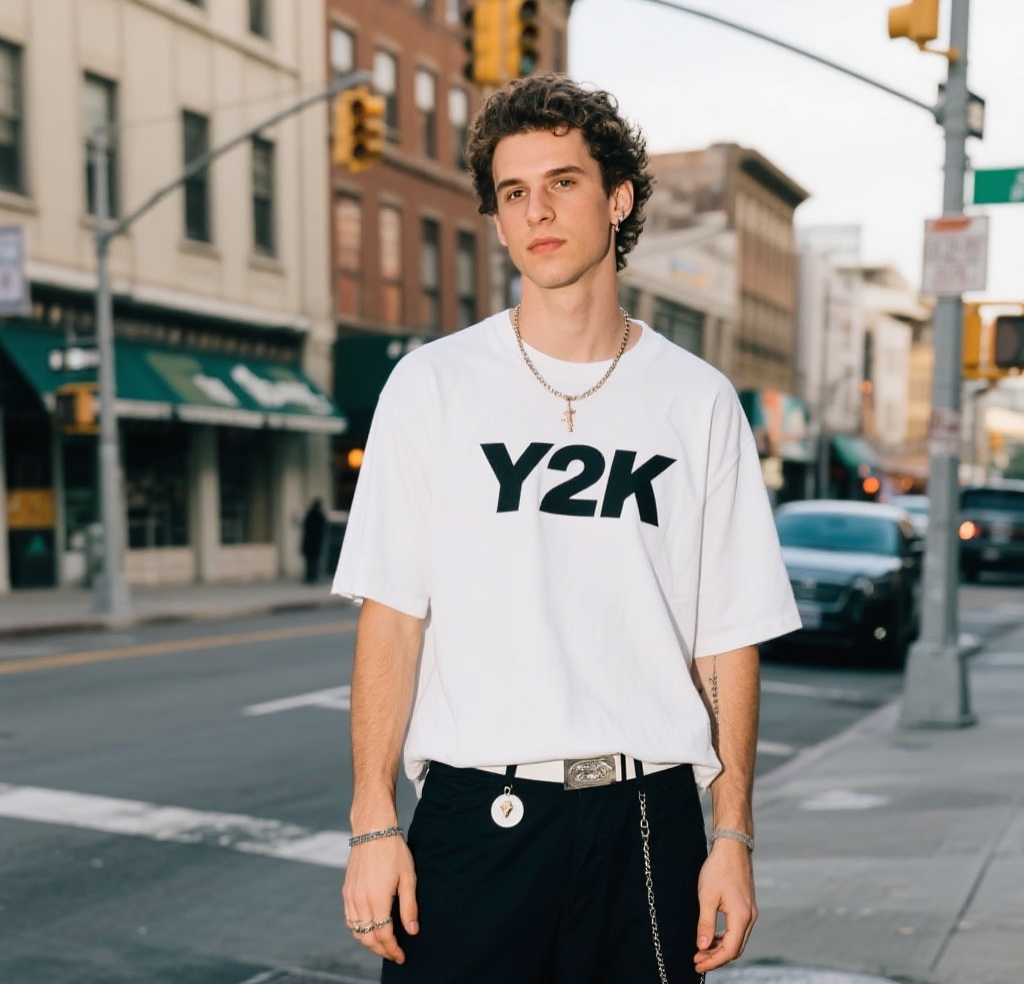 Before
Image Remix
Remix AI makes photo editing simple and expressive. Users can apply artistic filters, remove or change backgrounds, and enhance clarity. Each picture can be turned into new versions quickly without complicated manual work.
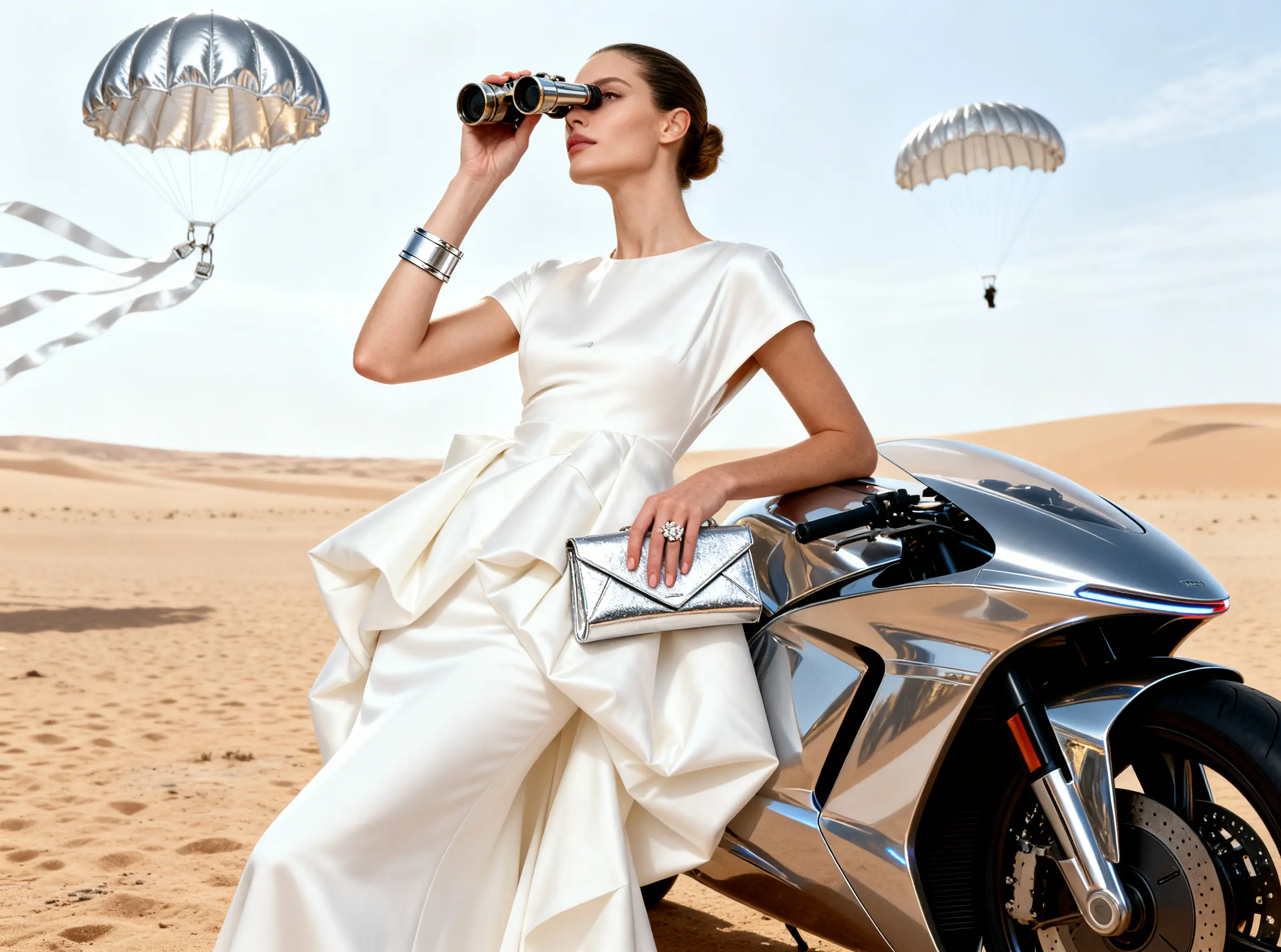
AI Video Generation
Remix AI integrates leading video models such as Kling, Wan, and Hailuo. Users can produce cinematic clips, animated shorts, or promotional videos directly from text or still images, with smooth motion and reliable identity consistency.
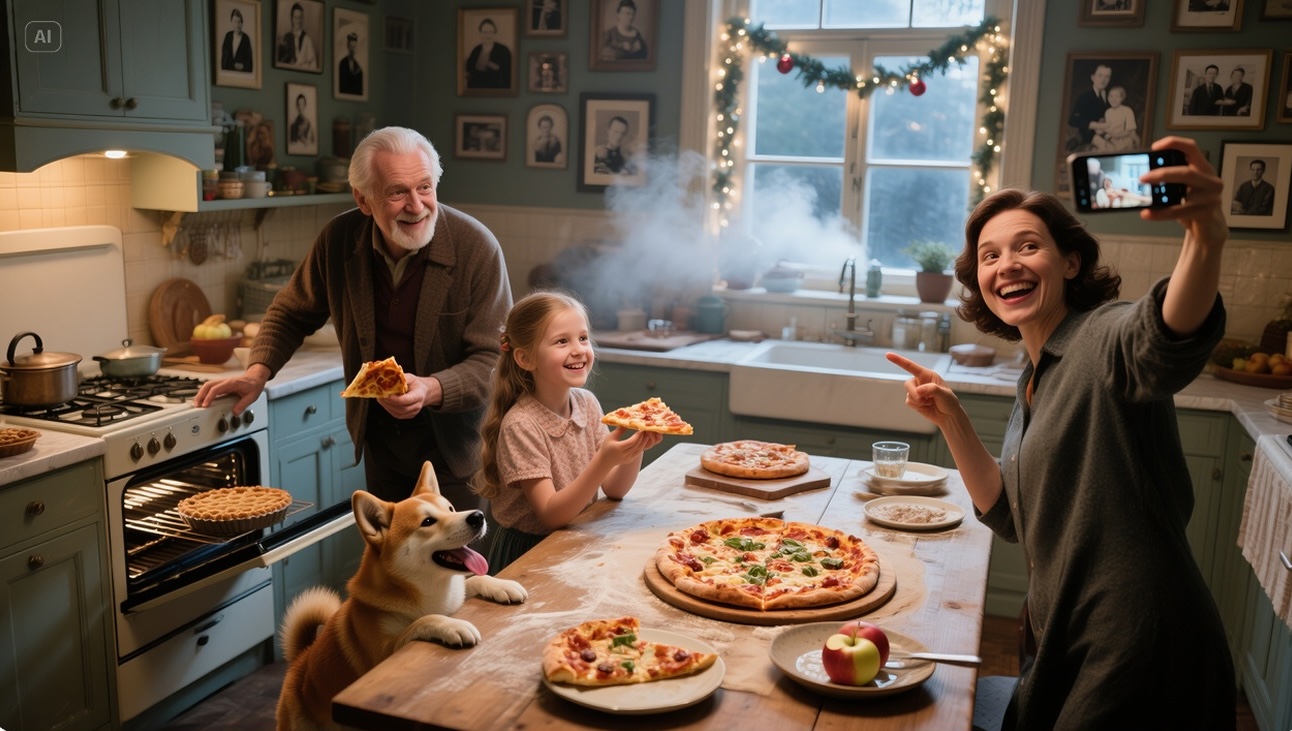
AI Image Generation
Remix AI supports multiple image models, including Nano Banana, Flux, and Seedream. They allow the creation of high-quality visuals across a variety of artistic styles, maintaining prompt accuracy and enabling exploration of creative variations.
Practical Applications
Six areas where Remix AI provides value for individuals and teams in daily creation.
🎬 Short Video Creation
Filters, and style changes make short videos more engaging. Content creators can instantly generate multiple versions of a single clip for different channels.
🛍️ Ecommerce Product Images
Remove backgrounds, sharpen details, and produce variations of the same product quickly. Sellers can display items in diverse settings without extra photography.
📱 Social Media Content
One-click remix adapts content for Instagram, TikTok, or YouTube. Each version can have a distinct style or effect, reducing repetitive manual editing for posts.
🎨 Artistic Exploration
Experiment with surreal, anime, or painterly looks. The platform supports fast previews and iteration, making it easy to test different aesthetics before publishing.
⚡ Marketing Campaigns
Marketing teams generate ads, remix them into style variations, and compare directions before launch. This reduces cost, speeds up testing, and improves creative flexibility.
🌍 Education and Training
Teachers and trainers remix visuals into animated lessons or tutorials. Visual adaptation makes complex ideas easier to explain and more engaging to learners.
Three Steps to Create
Remix AI reduces complexity by combining generation and remix. Anyone can move from an idea to ready-to-use content within minutes.
1. Choose Your Path
Pick AI Video, AI Image, Video Remix, or Image Remix. Remix AI organizes all features so each path is clear and suited for different needs.
2. Enter Prompt or Upload
Provide detailed instructions or add reference files. Remix AI interprets text, image, or video inputs and ensures results stay coherent across chosen models.
3. Generate and Remix
Click generate to preview results in seconds. Apply remix choices like styles, effects, or multiple variations. Export content optimized for campaigns, media posts, or personal creative projects.
Frequently Asked Questions
Answers about Remix AI. Contact support@remixai.net for assistance.
What makes Remix AI different?
Remix AI unifies image and video generation with remix features in one place. Users can create visuals and then apply filters, effects, or style edits without leaving the system. This integrated approach saves time and enables flexible creativity.
Can I select different models?
Yes. Models such as Kling, Seedream, Nano Banana, and Flux are available. Each has unique strengths, and switching is simple. This makes it possible to optimize outputs for a variety of creative tasks and requirements.
How long does it take to generate results?
Images usually render in under a minute, while short videos take just a few minutes. Longer projects may take more, but processing is optimized for speed, allowing fast previews and frequent iteration.
What remix options are included?
Style transfer, background editing, filters, effects, upscaling, and multiple variations are all supported. Both images and videos can be remixed this way, offering flexible options for creators.
Is commercial use supported?
Yes. Outputs can be used for ads, ecommerce, training, or professional projects. Users remain responsible for rights of uploaded source material, but generated content is available for business and creative contexts.
Why use this tool instead of traditional methods?
Traditional workflows often require multiple apps and manual steps. Here, models and remix functions are integrated in one streamlined process. This saves money and time while making advanced features like variations and filters instantly accessible.